


Aptora Institution Management Software simplifies academic and administrative tasks by bringing essential school and college operations into one platform. In this blog, we will explain how to create an attendance level entry in Aptora step by step, helping Institution administrators and staff manage attendance information more efficiently.
Step 1 : Log in to Aptora dashboard
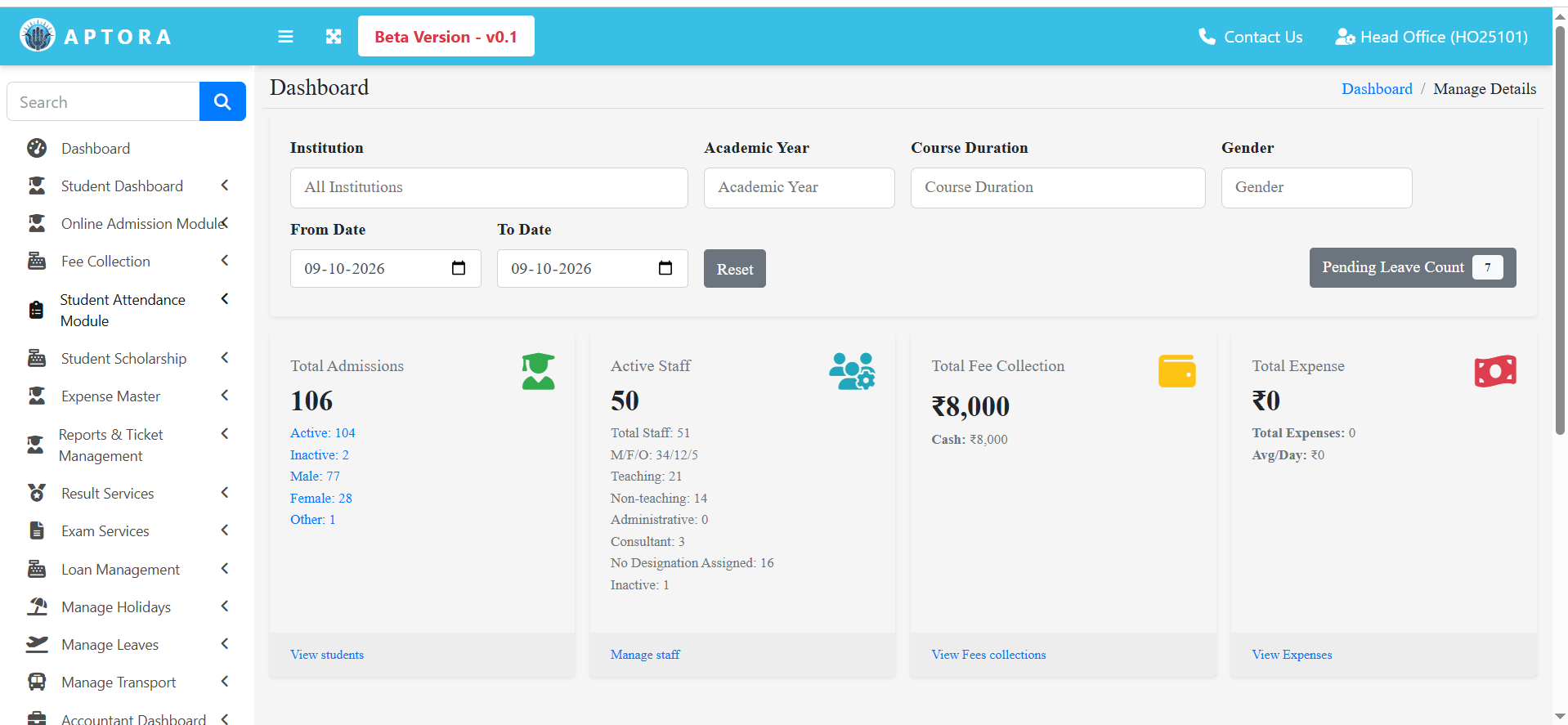
Step 2: Select student attendance module.
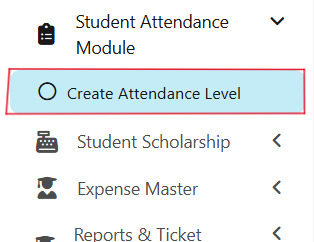
On the left sidebar click on the student attendance module. Then select Create Attendance Level.
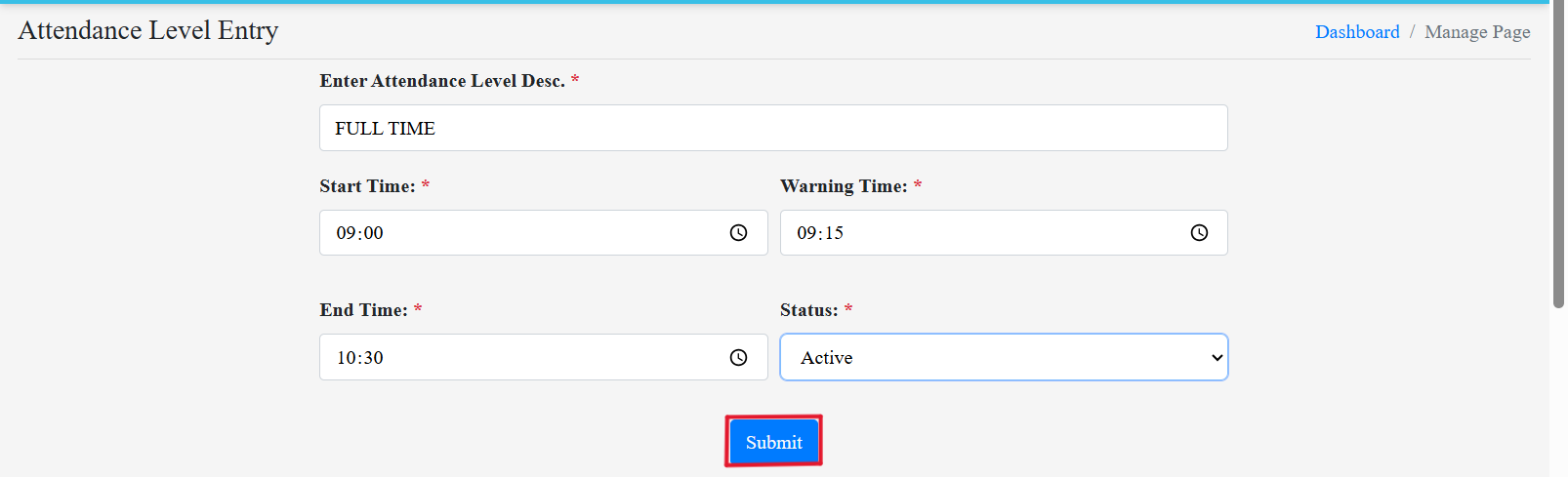
Step 3: Fill the Form.
Fill the form with required details and then click on Submit.
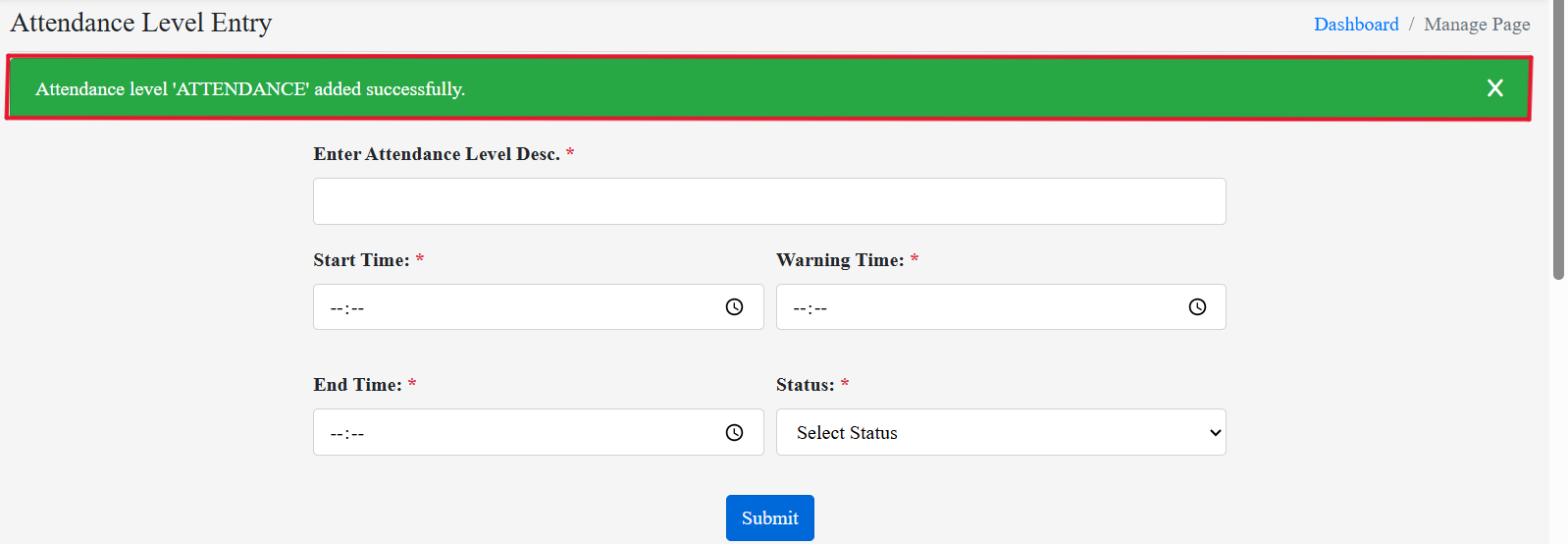
After submitting a notification icon will appear on the top of the screen.
Here You Can View How To Do Student Attendance Step-By-Step Tutorial
https://www.aptora.in/blog/how-to-confirm-fee-discount-in-aptora-step-by-step-tutorial
📞 Ready to organize your classrooms better?
Talk to our expert or contact us for further queries