

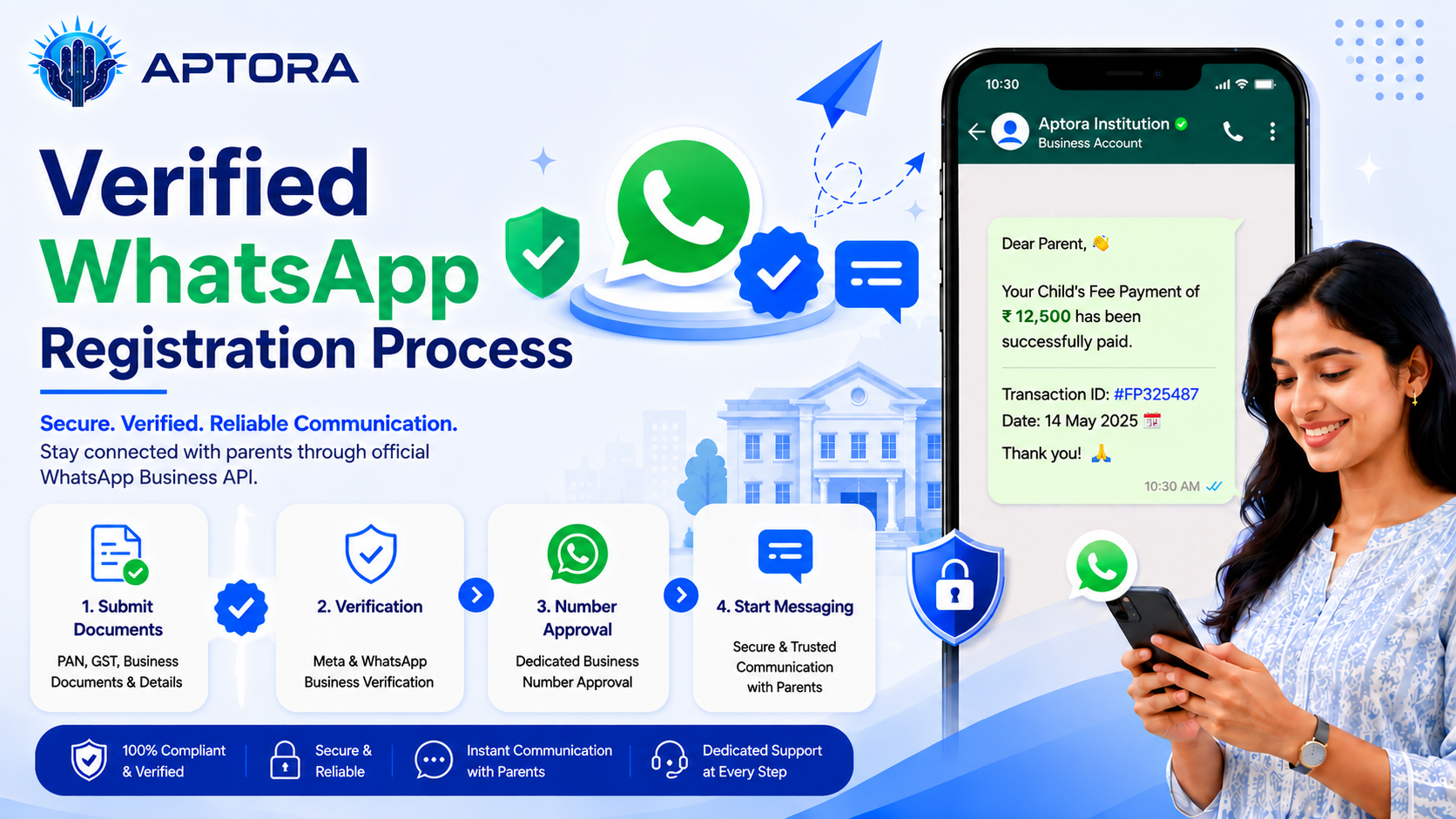
Verified WhatsApp registration is an important step for institutions and businesses that want to use WhatsApp for official communication, alerts, updates, reminders. To complete the process smoothly, the Facebook page, Meta account, documents, SIM card, and payment setup must be prepared correctly.
WhatsApp Business API Platform Subscription: ₹6,000 + 18% GST = ₹7,080/year (payable to Aptora).
A valid credit card is mandatory for Meta WhatsApp conversation/message charges.
Meta charges billed directly to your linked credit card based on conversation category.
The Aptora platform subscription is renewed annually and includes access to the WhatsApp Business API platform.
Complete setup and support for Meta Verification, Business Manager, Developer App, number onboarding, and message templates are included for active Aptora clients.
Bulk SMS services are also available, including DLT registration, sender ID, template approval, and SMS credit recharges.
This guide explains the verified WhatsApp registration process step by step, based on the requirements shared by the Aptora Support Team.
If your business or institution does not already have a Facebook page, create one first. The page should look active and genuine before moving to the next stage of WhatsApp verification.
Important key points:
An active Facebook page helps build credibility during the Meta verification process.
The CHO must arrange a new SIM card for the WhatsApp setup. This SIM should be kept fresh for the registration process.
Very important: Do not create any WhatsApp account using that SIM card before the official setup. If the SIM is already used for a normal WhatsApp account, it may create issues during the verified WhatsApp registration process.
After preparing the Facebook page, share the Facebook credentials or required access with the Aptora Support Team through the approved support channel.
Security note: Share access only with the official Aptora Support Team and avoid sending sensitive login details through unsecured channels.
Meta may ask for business or institution documents to verify the account. These documents help confirm the identity and authenticity of the organization.
Commonly required documents include:
The exact documents may vary depending on the type of organization and Meta's verification requirements.
The next step is to create a Meta app using the CHO Facebook credentials. This step is done by Aptora Team.
A credit card is required for WhatsApp message charges. Meta charges depend on message category and country pricing.
WhatsApp pricing links for India:
Before starting campaigns or automated messages, the organization should understand the difference between utility and marketing message pricing.
After all required Meta platform steps are completed, the Aptora team will create the account on:
Service charge: ₹6000 + 18% GST per year, which comes to ₹7080 per year.
The verified WhatsApp registration process requires proper preparation, correct documents, a fresh SIM card, Facebook page activity, Meta app setup, and payment readiness. When each step is completed carefully, the verification and account setup process becomes smoother.
For institutions and businesses using Aptora, the Aptora Support Team can guide the process and complete the final account creation after the Meta requirements are completed.
📞 Ready to make your Institution digitally?
Talk to our expert or contact us for further queries